
Sedona Support, Accessories & Owner Services
This page is the starting point for current Sedona owners and shoppers who need help identifying a system, checking an accessory, reviewing an upgrade or warranty option, or finding the right ElectroMeds contact. It is designed to organize product and ownership information in one place. It is not medical advice and does not replace the current manufacturer instructions supplied with your equipment.
Start with Your Current Sedona System
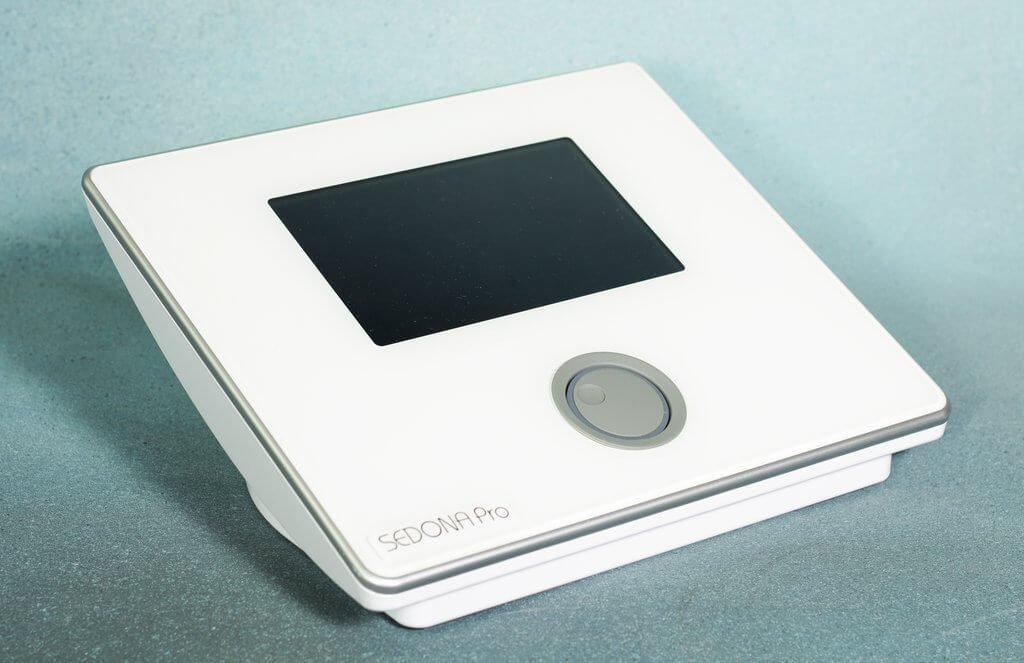
Use the current product page to confirm the model name, pictured equipment, available configuration, and store details before placing an order or requesting help. The Sedona family includes the Sedona Pro PEMF Mat, Sedona Pro Plus PEMF Mat, Sedona Elite PEMF Mat, and Sedona PEMF Chair. If you are still deciding between formats, review the Sedona model comparison. The Sedona Pro vs. Pro Plus guide focuses on the two related mat systems.
Accessories and Replacement Equipment
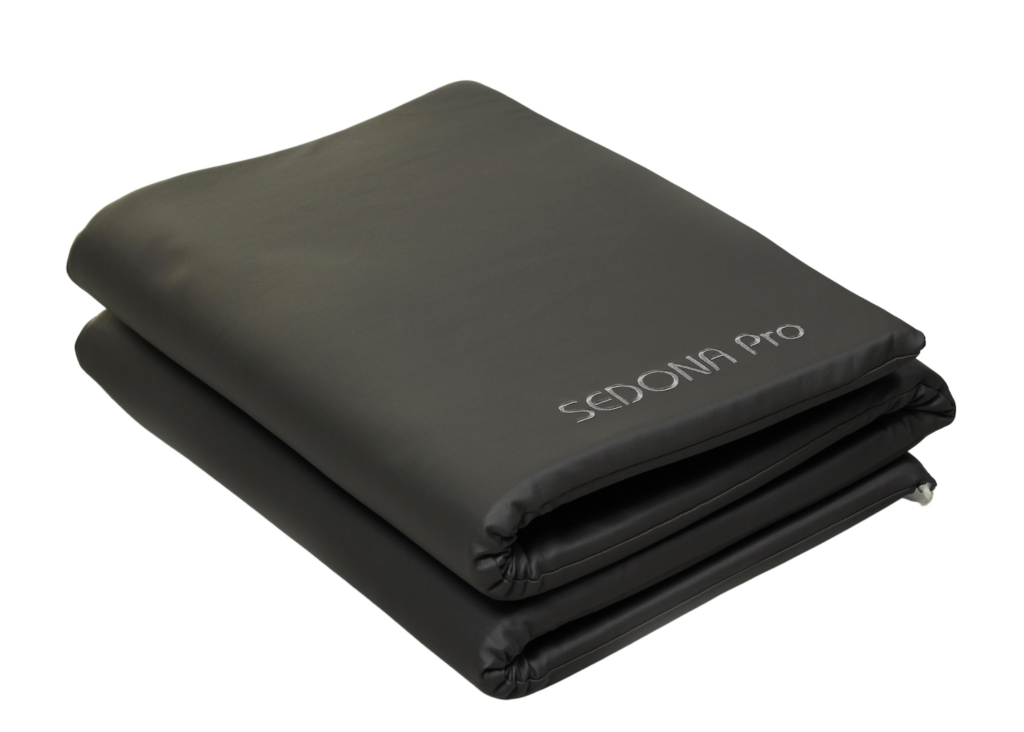
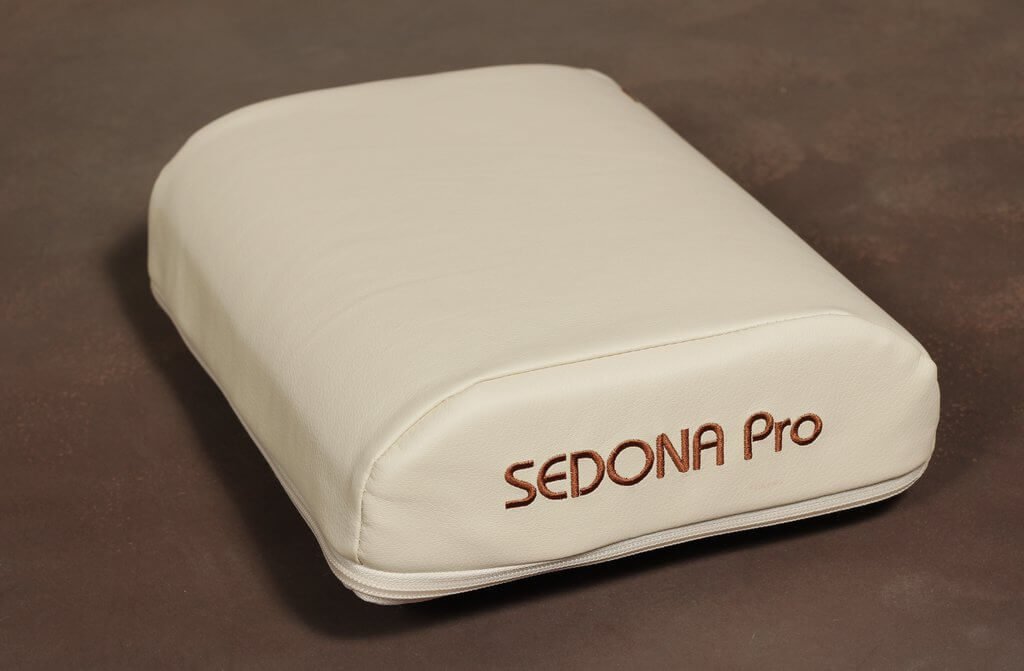
ElectroMeds lists the Extra Sedona PEMF Mat, Sedona Pro Applicator Pillow, Sedona PEMF FaceMask, and TimmyZzz PEMF Pillow. An accessory name alone does not confirm that it fits every controller, system version, or configuration. Before ordering a replacement or add-on, confirm the exact model, available connections, part number if known, and current product details with ElectroMeds.
Sedona Accessory Reference

| If you need help with | Current store route | What to confirm first |
|---|---|---|
| An extra or replacement full-body mat | Extra Sedona PEMF Mat | Your exact system and the current product configuration |
| A local applicator or pillow-style item | Sedona Pro Applicator Pillow | Model, controller, and the current item details |
| A standalone face-format product | Sedona PEMF FaceMask | The current product listing and order details |
| A TimmyZzz product | TimmyZzz PEMF Pillow | The exact TimmyZzz configuration you need |
For any replacement or add-on, send ElectroMeds the exact product name, purchase date if known, and a photo of the equipment label or accessory when available. This helps confirm the current product route before you order.
Upgrade and Warranty Questions
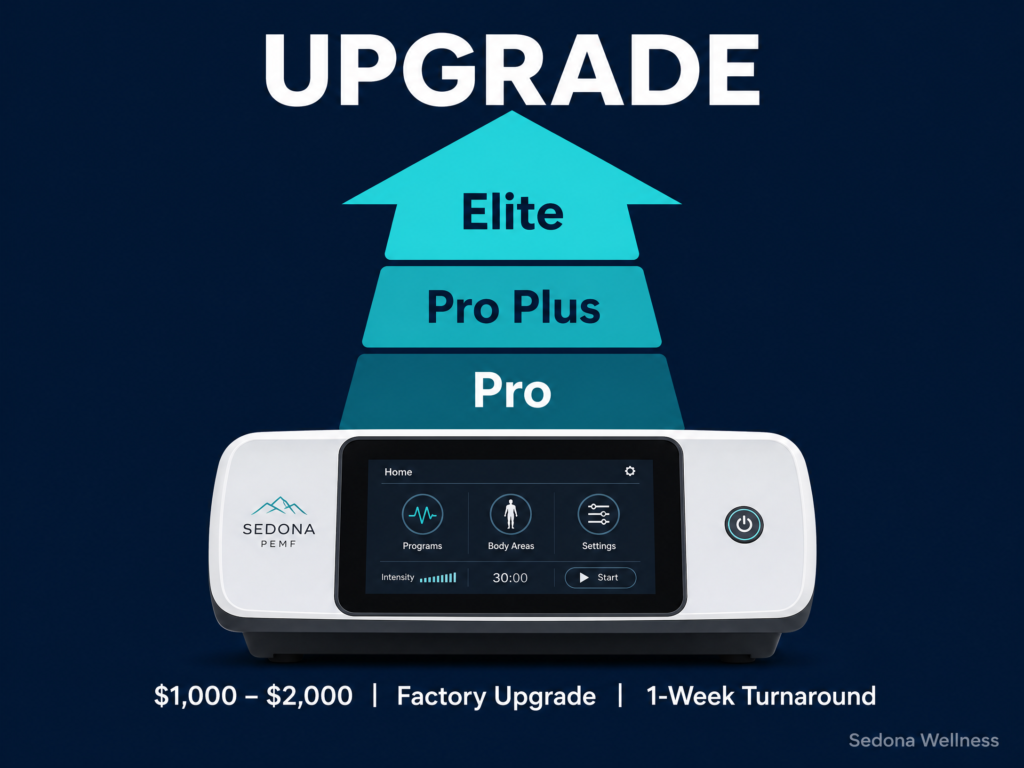
Existing owners can review the current Sedona Upgrade service and the Sedona Extended Lifetime Warranty. Sedona systems ship with a 2-year standard warranty on technical problems. The lifetime option covers defects or malfunctions of the computer controller under normal use with no time limit. It is $375 for the Sedona Pro, Pro Plus and Elite — see the Sedona Extended Lifetime Warranty listing. On the SEDONA PEMF Chair it is $1,375. It has to be added at the time of purchase and cannot be added afterward, so if you already own a system under the standard warranty, ask us before assuming it can be extended. Lifetime coverage applies to the controller electronics and excludes normal wear on the mat and pillow applicators. Confirm current price, scope, and exclusions before ordering. Keep your proof of purchase and serial number available when asking about a service or warranty question.
What the lifetime warranty does for applicators
The Extended Lifetime Warranty covers the computer controller. It does not cover wear and tear on the mat and pillow applicators — those are consumable parts, and no warranty covers them outright.
What it changes is what they cost to replace. Once the standard 2-year warranty has expired, a replacement mat or pillow applicator is $1,250 without the extended warranty and $250 with it. That is a $1,000 difference on a single applicator, against a one-time $375 — and applicators are the part of any PEMF system most likely to need replacing, because they are the part you lie on every day. If you already own a Sedona system with the Extended Lifetime Warranty, contact us with your serial number before ordering an applicator at list price, and we will route your warranty claim.
Instructions, Care, and Safety
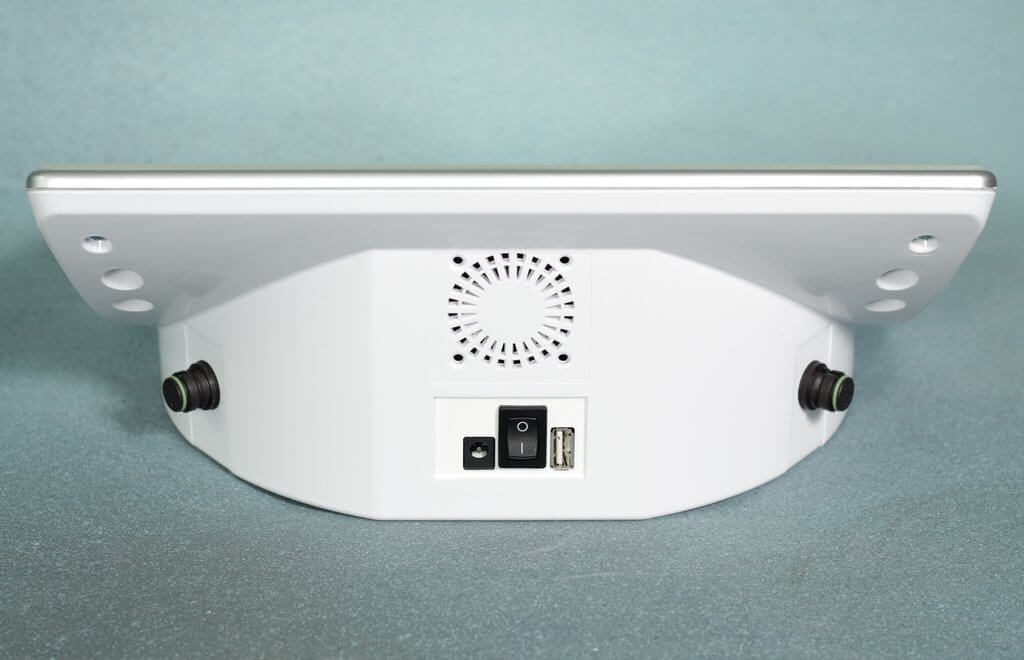
Use the current manufacturer instructions for setup, controls, cleaning, storage, and any safety information. If you no longer have the documentation supplied with your system, contact ElectroMeds with the model name and, if available, the serial number. For questions about whether a PEMF device is appropriate for you, or if you have an implanted electronic device, are pregnant, or have health concerns, seek appropriate professional guidance and follow the manufacturer’s instructions.
Contact ElectroMeds
For product identification, current accessory information, ownership questions, or help finding the right next step, call or text 442-444-0050 or use the ElectroMeds contact page. Include the product name, when you purchased it, and the question you are trying to resolve. A photo of the controller label or accessory can also help the team identify the correct item.
Frequently Asked Questions
How do I know which Sedona accessory I need?
Start by identifying your exact Sedona model and the item you need to replace or add. Because availability and compatibility can depend on the system configuration, confirm the current product details with ElectroMeds before ordering.
Can I use this page instead of my Sedona manual?
No. This page helps you find product, accessory, service, and support routes. The manufacturer instructions supplied for your model remain the reference for setup, operation, care, and safety information.
Where can I compare Sedona systems?
Use the Sedona model comparison to compare the current line. If you are considering the two mat systems specifically, use the Pro vs. Pro Plus guide.